How to Increase FPS in PC Games without Upgrading Hardware? Tips
 Read MoreHow to Increase FPS in PC Games without Upgrading Hardware? Tips

Laptops earn their place when work, study, entertainment, and travel need to fit into one dependable machine. This category covers portable computers for everyday tasks, remote working, coursework, creative applications, gaming, and more demanding professional software. Find guidance on processors, memory, storage, screen quality, battery life, ports, graphics performance, and build design, with attention to how those details affect daily use. A lightweight 13-inch model suits a different routine than a larger laptop built for editing video or running modern games. Choosing the right balance helps avoid paying for power you will not use—or settling for a machine that quickly feels limiting.
Read MoreHow to Increase FPS in PC Games without Upgrading Hardware? Tips Read MoreHow to Reduce Input Lag in Competitive Games? Low-Latency Settings
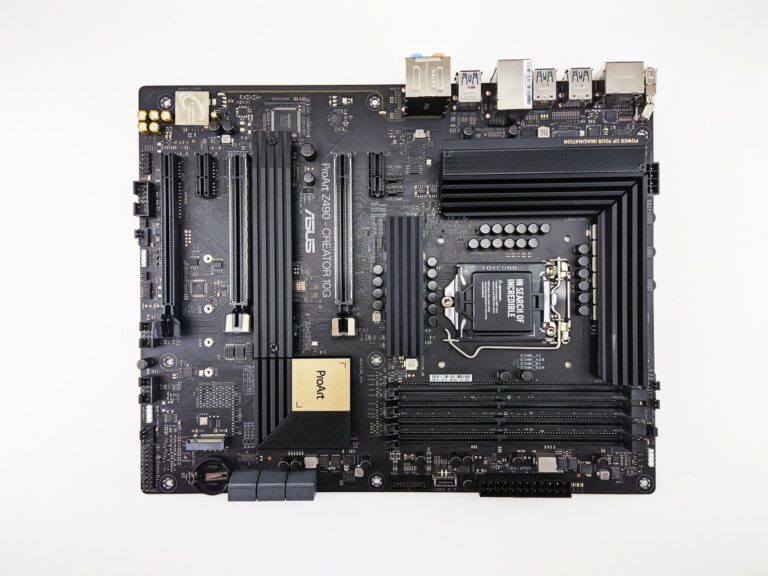 Read MoreHow to Choose a Motherboard for Your First PC Build? Key Steps
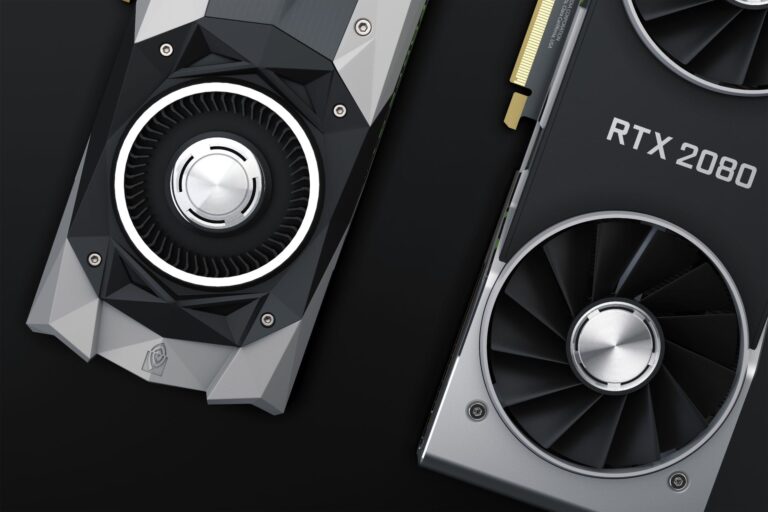 Read MoreHow to Choose the Right Graphics Card for Your PC? A Practical Plan
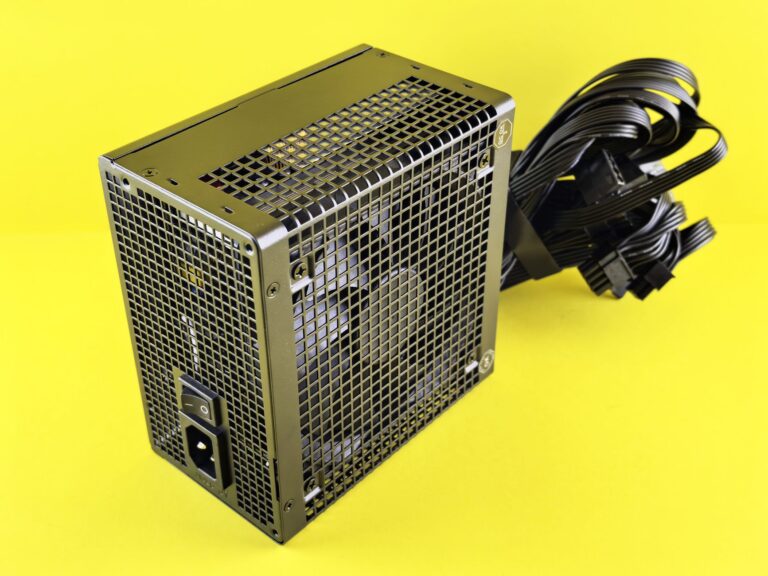 Read MoreHow to Choose the Right Power Supply for Your PC? Wattage & Fit
 Read MoreSSD vs HDD: Which Storage Option Should You Choose?
 Read MoreHow to Choose the Right Computer for Your Needs?
 Read MoreWhat Computer Specifications Matter Most for Performance? CPU